Best Workstations for 24/7 Performance for Your Office : Top 5 Picks for 2026
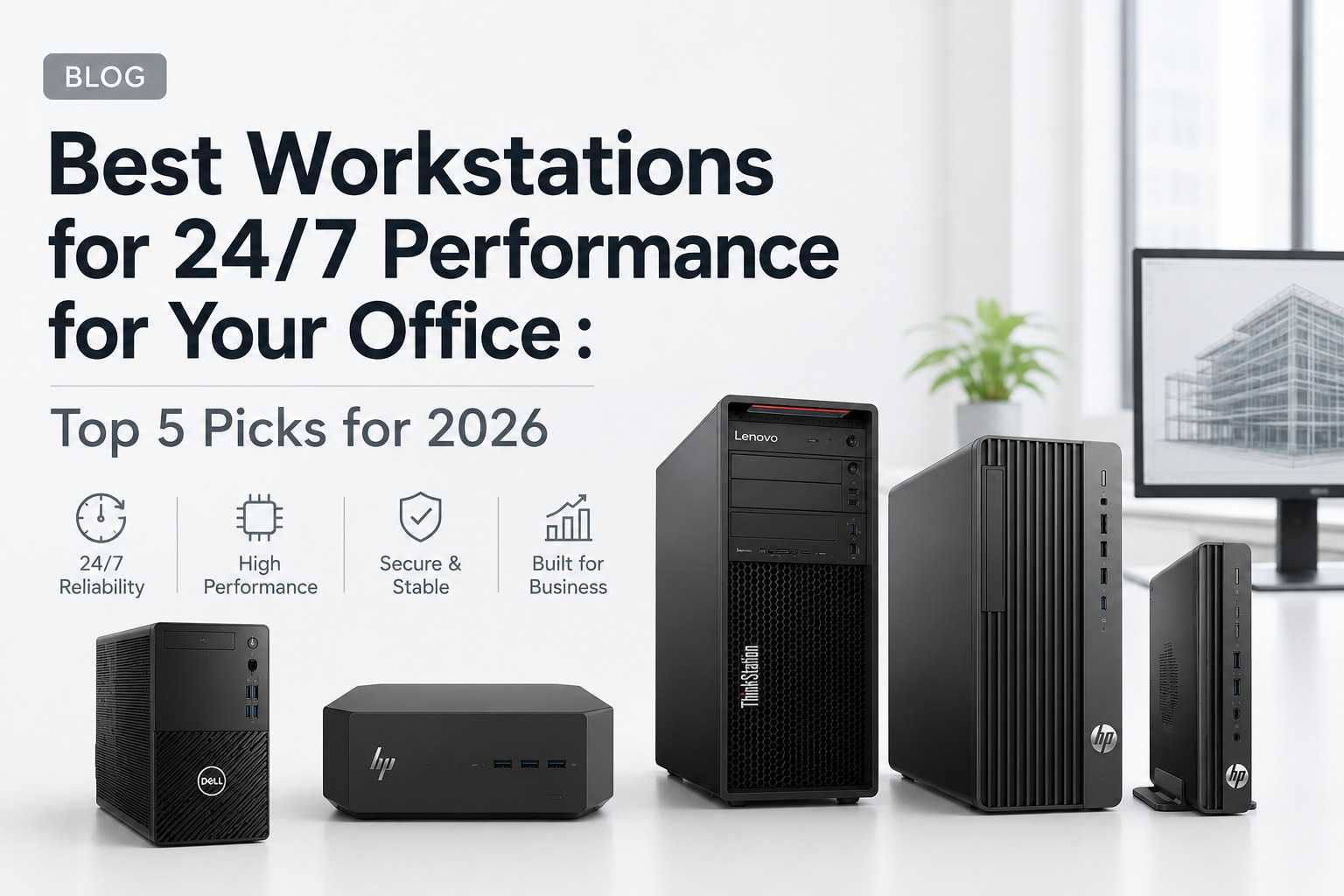
Best Workstations for 24/7 Performance for Your Office: Top 5 Picks for 2026
In 2026, businesses rely more heavily than ever on powerful computing systems capable of handling demanding workloads without interruption. Whether you're running CAD applications, managing large datasets, developing software, editing videos, processing AI models, or operating mission-critical business applications, choosing the right workstation is essential for productivity and long-term reliability.
Unlike standard desktop PCs, workstations are engineered for sustained performance, higher stability, better thermal management, and support for professional-grade hardware. Organizations that require uninterrupted operations often invest in workstation-class systems because they are designed to perform consistently under heavy workloads for extended periods.
This guide explores what a workstation computer is, how it differs from a traditional desktop, the factors that make a workstation reliable for continuous use, and the top workstation picks for 2026. We'll also discuss the growing role of AI workstations and help you identify the best solution for your business requirements.
What Is a Workstation Computer?
A workstation computer is a high-performance computing system specifically designed for professional applications that require significant processing power, advanced graphics capabilities, large memory capacity, and exceptional reliability.
Workstations are commonly used by:
- Engineers
- Architects
- Data Analysts
- AI Developers
- Financial Institutions
- Software Developers
- Video Editors
- Designers
- Research Organizations
Unlike consumer PCs, workstations are optimized for demanding software applications that need continuous processing and stable performance.
Typical workstation features include:
- High-performance processors
- Larger RAM capacities
- Professional graphics cards
- Faster storage solutions
- Enhanced cooling systems
- Better expandability
- Enterprise-grade security features
- Long operational lifespan
These systems are built to support workloads that run for hours—or even days—without performance degradation.
What Does a Workstation Do?
A workstation is designed to handle resource-intensive tasks more efficiently than a standard desktop computer.
1. Engineering and CAD Design
Programs such as AutoCAD, SolidWorks, CATIA, and Revit require powerful CPUs and graphics processing capabilities.
2. Video Editing and Content Creation
High-resolution video editing, rendering, motion graphics, and animation workflows demand substantial computing resources.
3. Software Development
Developers often run multiple virtual machines, databases, containers, and development environments simultaneously.
4. Data Analytics
Processing large datasets and running simulations requires extensive memory and computational power.
5. Scientific Research
Researchers use workstations for modeling, simulations, and computational analysis.
6. AI and Machine Learning
Modern AI workloads require fast processors, large memory pools, and GPU acceleration.
Because of these requirements, workstations are designed to deliver stable performance even during continuous operation.
What Makes a Workstation Truly Reliable for Continuous Operation?
Not all powerful computers are suitable for 24/7 usage. Continuous operation requires a combination of hardware quality, thermal management, and system stability.
Efficient Thermal Design
Heat is one of the biggest threats to long-term computer performance. Workstations use advanced cooling systems that maintain safe operating temperatures under sustained loads.
Enterprise-Grade Components
Professional workstations utilize components engineered for reliability rather than short-term performance bursts.
Expandable Memory
Workstations often support higher memory capacities, enabling users to run multiple demanding applications simultaneously.
Fast Storage Systems
NVMe SSDs significantly improve responsiveness and reduce bottlenecks during intensive workflows.
Stable Power Delivery
Quality power systems ensure consistent performance and reduce the risk of unexpected shutdowns.
Professional Security Features
Businesses require systems that protect sensitive data while maintaining operational stability.
Long Lifecycle Support
Manufacturers typically provide longer support cycles for workstation-class hardware compared to consumer desktops.
When evaluating a workstation for continuous use, reliability should be prioritized alongside raw performance.
Workstation vs. Desktop: Key Differences Explained
| Feature | Workstation | Desktop PC |
|---|---|---|
| Performance | Optimized for heavy workloads | Designed for general computing |
| Reliability | Built for extended operation | Moderate workload focus |
| Memory Support | Higher capacity | Limited compared to workstations |
| Expandability | Extensive | Moderate |
| Graphics Options | Professional GPUs available | Consumer GPUs |
| Cooling Systems | Advanced thermal design | Standard cooling |
| Security | Enterprise-grade features | Basic security |
| Cost | Higher initial investment | Lower cost |
Which Is Better?
The answer depends on your workload.
A standard desktop is sufficient for:
- Web browsing
- Office applications
- Basic accounting
- Email communication
- Everyday business tasks
A workstation is better for:
- Engineering software
- 3D modeling
- AI development
- Video production
- Data science
- Continuous business operations
- Virtualization environments
For organizations that depend on uninterrupted productivity, a workstation provides significantly greater long-term value despite the higher upfront cost.
Top 5 Workstations for Continuous Use in 2026
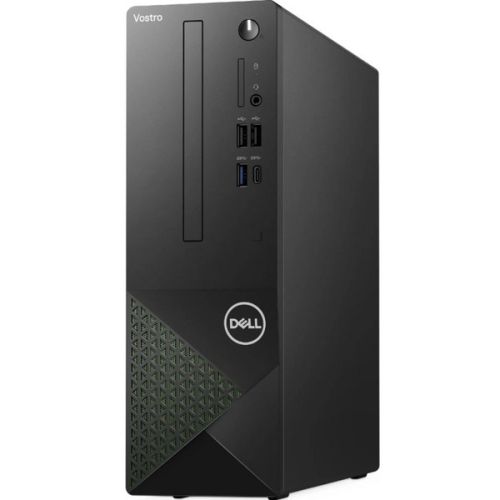
1. Dell Vostro 3030 Desktop
Key Highlights
- Intel Core i3-12100 Processor
- 8GB RAM
- 512GB SSD
- Ubuntu 22.04 Linux
- Reliable business-focused design
Why It Stands Out
The Dell Vostro 3030 offers an excellent entry point for businesses seeking dependable performance. While not a traditional high-end workstation, it is ideal for continuous office operations, administration tasks, business software, and productivity environments.
Its SSD storage improves responsiveness while Ubuntu Linux provides stability and security for organizations seeking a cost-effective workstation alternative.
Best For
- Small businesses
- Administrative departments
- Front-office operations
- Linux-based workflows
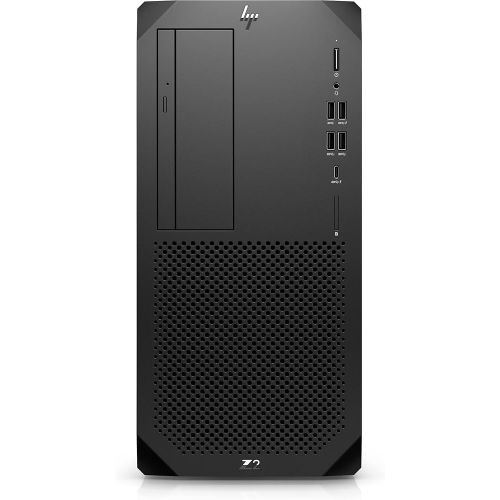
2. HP Z2 Mini G9 Workstation
Key Highlights
- Intel Core i7-14700 vPro
- 16GB RAM
- 512GB SSD
- NVIDIA T400 Graphics
- Windows 11 Pro
Why It Stands Out
The HP Z2 Mini G9 proves that compact systems can deliver workstation-class performance. Its professional NVIDIA graphics and powerful Intel processor make it suitable for engineering, architecture, creative design, and professional applications.
Best For
- CAD Professionals
- Designers
- Architects
- Engineering Teams
- Remote Professional Workstations
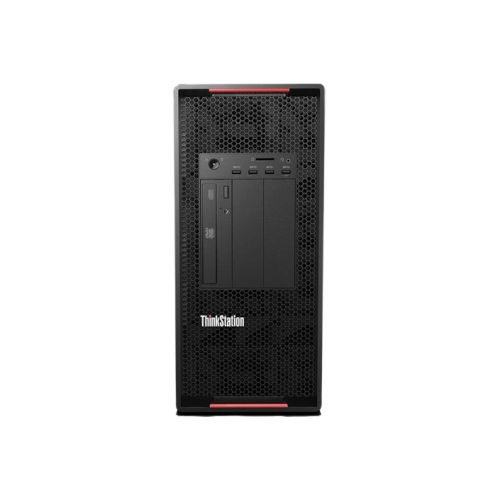
3. Lenovo P520 Tower Workstation
Key Highlights
- Intel Xeon W-2223 Processor
- 16GB RAM
- 1TB Storage
- Tower Workstation Architecture
- Enterprise-grade Reliability
Best For
- Engineering Firms
- Manufacturing Companies
- Research Environments
- Enterprise Workloads
- Simulation and Analysis Tasks
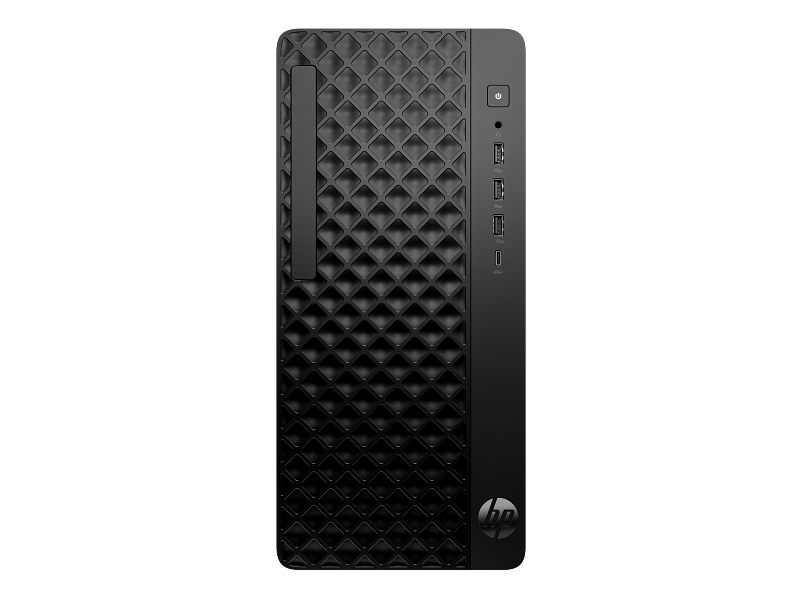
4. HP ProDesk 2 Tower G1i Desktop PC
Key Highlights
- Intel Core i5-14500
- 8GB RAM
- 512GB SSD
- Professional Monitor Included
- Microsoft Office Home & Business 2024
Best For
- Corporate Offices
- SMEs
- Administrative Teams
- Finance Departments
- Customer Support Centers
5. HP Mini Conference G9 Desktop
Key Highlights
- Intel Core i7-12700T
- Compact Form Factor
- Business-grade Reliability
- Strong Multitasking Performance
- Energy-efficient Design
Best For
- Hybrid Workplaces
- Conference Rooms
- Executive Workspaces
- Professional Productivity Environments
AI Workstations: The Future of Professional Computing
Artificial Intelligence is rapidly transforming how businesses operate. As organizations increasingly adopt machine learning, automation, predictive analytics, and generative AI solutions, demand for AI-ready workstations continues to grow.
An AI workstation is specifically configured to handle:
- Machine Learning Training
- Data Science Workflows
- Deep Learning Models
- AI-assisted Content Creation
- Computer Vision Applications
- Large Language Model Experimentation
Organizations planning for future AI adoption should consider workstation platforms that offer room for GPU, memory, and storage expansion.
How to Choose the Right Workstation in 2026
- Assess Your Workloads
- Determine Growth Requirements
- Evaluate Upgrade Options
- Consider Energy Efficiency
- Prioritize Reliability
- Review Vendor Support
Final Thoughts
As businesses become increasingly dependent on high-performance computing, selecting a workstation built for continuous operation is more important than ever. Whether your organization requires a dependable office productivity system, a professional engineering workstation, or an AI-ready platform, the right hardware can significantly improve performance, reliability, and long-term value.
The Dell Vostro 3030, HP Z2 Mini G9, Lenovo P520 Tower Workstation, HP ProDesk 2 Tower G1i, and HP Mini Conference G9 each offer unique advantages for different business environments. From entry-level productivity to professional engineering and AI workloads, these systems represent some of the best workstation options available in 2026.
Explore More Professional Workstations
Looking for the ideal workstation for your business?
Browse a wide range of professional workstation computers, business desktops, and high-performance computing solutions to find the perfect system for engineering, design, AI development, business productivity, and continuous operation needs.
About the Author